⚡ Quick answer: Harvard Business Review research found that companies that contact a lead within an hour are nearly 7 times more likely to qualify it than those who wait even one hour longer — and more than 60 times more likely than companies that wait a day or more. If form submissions land in an inbox or a group chat and wait for someone to notice them, part of that pipeline cools off before the first call ever happens — not because the lead was bad, but because of how slowly it got a response.
The typical setup for a small or mid-size business: leads land in the owner’s personal inbox or a shared company chat, and someone has to manually notice the new lead, write it down somewhere, and call back. That works fine while volume is low. But the moment volume grows, or the owner is traveling or in back-to-back meetings, some leads simply get lost in the noise — not from carelessness, but because the process structurally depends on one specific person noticing at one specific moment.
According to HubSpot, 82% of people rate an immediate response to their inquiry as “important” or “very important,” and nearly two-thirds expect a reply within 10 minutes of submitting a form. This isn’t audience pickiness — someone who just filled out a form on your site is very likely comparing several options at once, and will go with whoever answers first.
| Time to respond | Likelihood of qualifying the lead |
|---|---|
| Within 5 minutes | Highest — the lead is still “hot,” the decision hasn’t had time to cool |
| Within 1 hour | Baseline for comparison (×1) |
| 1-24 hours later | Several times lower than within the first hour |
| 24 hours or more | Over 60 times lower than within the first hour |
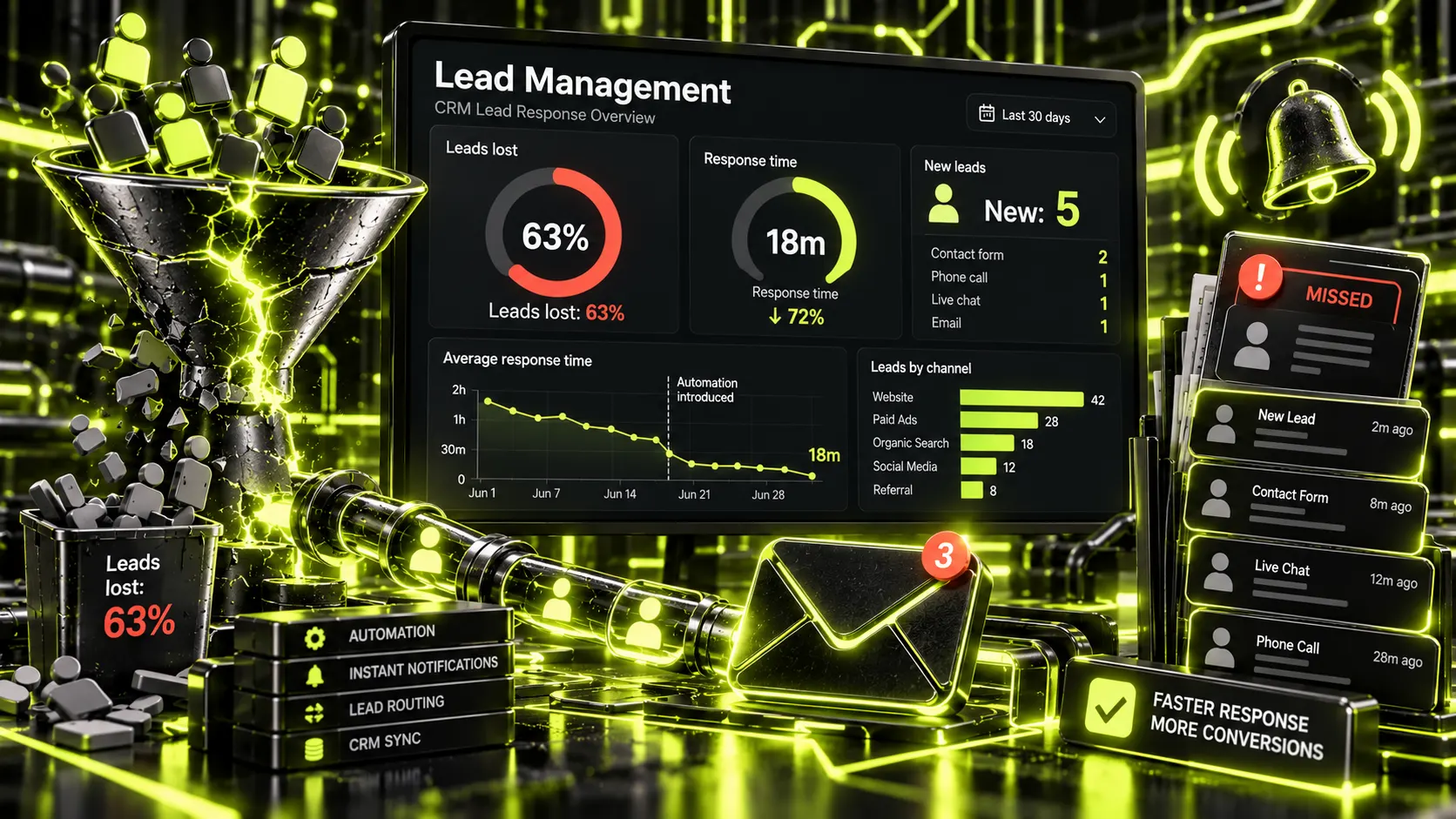
The goal of automation isn’t “replace the manager with a bot” — it’s removing the dependency on one person noticing a lead manually at the right moment. In practice that means:
Tellingly, manual lead handling usually works fine at low volume — which is exactly why the problem goes unnoticed for so long. It becomes visible at the worst possible moment: during an ad campaign, seasonal demand, or a post that suddenly gets traction, when leads arrive in a burst far above normal. If your website and ad campaigns already run as one connected system — a topic we covered in one team for website, ads, and SEO — the next logical step is lead handling itself, since a traffic spike without a reliable intake system just means more leads quietly slipping through, invisible to the owner.
A workable minimum doesn’t require building a full CRM system from scratch:
For most small and mid-size businesses, this basic setup is a matter of days, not months, if the site already has a lead form that just needs to be properly connected to a tracking system.
The right benchmark isn’t company size — it’s how many people handle leads at once and how many channels those leads come from. If one person handles leads and they all arrive through a single channel (the website), a simple “form → messenger + status spreadsheet” link is often enough, with no separate CRM needed. A full CRM earns its cost once there are several sources (site, ads, calls, messengers) and leads need to be routed between several reps by rule, rather than someone deciding by hand each time who takes the next one. The switch from a simple fix to a CRM pays off once the time spent manually sorting out “who already handled this” starts costing more than the system itself.
It’s also worth checking specifically where the leads that get lost most often actually come from — frequently it isn’t the website at all, but ads or social media, where messages never even enter the same tracking flow as website leads. In that case, the first step isn’t a new CRM — it’s consolidating every lead source into one place, and only then adding routing and automation on top.
No — a basic tier of a popular CRM, or even a properly connected form-to-spreadsheet setup with notifications, is enough to start. A full-featured system becomes worth it later, as the number of reps and channels grows.
No — this is about automating notifications and lead tracking, not replacing human conversation with a bot. A person still calls or messages the lead — they just find out about it immediately instead of with a delay.
Even at low volume, basic notification and status tracking remove the risk of missing a single lead during a vacation or a busy day — and losing even one lead out of a small stream hurts more in percentage terms.
Connecting an existing website form to a CRM with instant notifications usually takes a few days, if the form already exists and just needs proper integration rather than being rebuilt from scratch.
Yes, and that’s often the smart first step — instant notification of a new lead solves most of the “nobody noticed in time” problem, while full status tracking and routing between reps can be added later as volume grows.