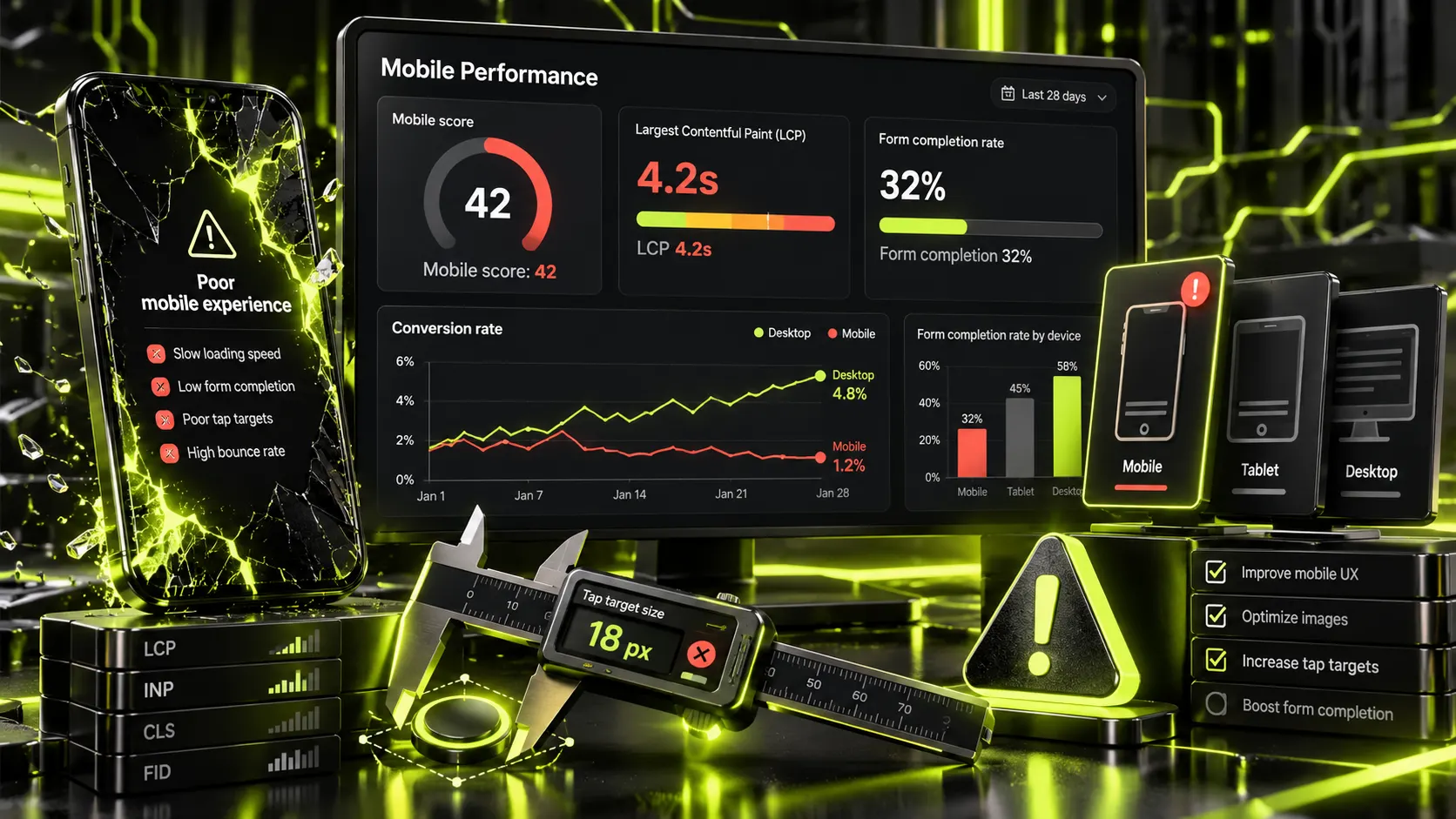
⚡ Quick answer: In B2B, mobile traffic is usually smaller than in B2C — per Statista, 84.5% of purchases on B2B e-commerce sites happen on desktop, not mobile. But wherever mobile traffic share is genuinely high in your niche, mobile conversion often runs at half the desktop rate — 5.06% versus 2.49% — and the cause is almost never the traffic itself; it’s a handful of specific, fixable technical barriers.
Before investing in a mobile-first redesign, check the actual mobile traffic share in your own analytics — it can differ significantly from “general” market figures. B2B purchasing, vendor research, and complex decisions skew toward desktop: desktop remains the primary device for complex B2B decisions. If your audience is enterprise B2B with a long decision cycle, priorities may differ. But for small and mid-size business owners who scroll through vendor sites on their phone between meetings, the mobile experience often decides everything.
This isn’t a vague “poor responsiveness” complaint — it’s a handful of concrete, recurring problems:
Google measures speed across three metrics, with identical “good” thresholds on mobile and desktop — but passing them is meaningfully harder on a phone, given weaker processors and mobile networks:
| Metric | What it measures | “Good” value | Problem territory |
|---|---|---|---|
| LCP | Time until main content renders | under 2.5 seconds | Over 4 seconds |
| INP | Delay in responding to a tap or click | under 200ms | Over 500ms |
| CLS | How much the layout “jumps” while loading | under 0.1 | Over 0.25 |
Tellingly, only 48% of mobile sites pass all three metrics at once — meaning even among actively maintained sites, roughly half have at least one real technical problem specifically on mobile. You can check your own site for free through Google PageSpeed Insights or Search Console; the report immediately shows which metric is failing.
It’s tempting to write off the conversion gap as “people just aren’t ready to buy on their phone” — but the data says otherwise: form completion sits at 32% on mobile versus 48% on desktop, meaning the form itself, not visitor intent, is the actual barrier. When a form and page are adapted to the mobile use case — a shorter path, fewer fields, a visible call to action — the conversion gap shrinks meaningfully.
Unlike B2C, where flash and emotion matter, mobile B2B rewards predictability above all:
A common mistake is taking a finished desktop layout and simply squeezing it onto a small screen. That’s technically “responsive,” but it isn’t mobile-first. The real approach:
We covered the technical side of speeding up WordPress sites — exactly what we check and why — in a dedicated piece on speeding up a WordPress site.
Targeted technical fixes (compressing images, shortening the form, repositioning the call-to-action) are the cheapest and fastest route — usually days, not weeks. If the problem runs deeper — the site is built on an outdated engine with no real responsiveness — you’re looking at rebuilding specific page templates, not tweaking CSS. The audit usually makes this clear right away: if the mobile version technically exists but is slow or clumsy, that’s a targeted fix; if elements overlap or simply don’t adapt to the screen at all, deeper work is needed.
No — a separate mobile domain (m.site.com) is an outdated approach that complicates SEO and maintenance. A modern responsive site, designed mobile-first from the start, solves the same problems without duplicating code.
Google Analytics shows device breakdown under “Tech” — it takes a minute and gives you an exact answer for your own site, not a market average.
Yes — Google has used mobile-first indexing since 2018, meaning it evaluates your site primarily by its mobile version, regardless of where your actual traffic comes from.
Even at a 20-30% mobile share, that’s real people and real potential leads. Basic mobile hygiene — speed, a short form, a visible call-to-action — costs relatively little compared to a full redesign, and pays off even at a modest mobile share.
Targeted technical fixes — image compression, a shorter form, repositioning the call-to-action — usually take anywhere from a few days to two weeks, depending on how complex the current layout is.