⚡ Quick answer: Basic site support runs from $100/month, a full package covering content and functional tweaks starts at $250/month. That’s not agency markup — 91% of WordPress vulnerabilities live in plugins, and mass exploitation of a newly disclosed flaw starts within roughly 5 hours of it going public. A site with no regular support isn’t “saving money” — it’s a deferred risk that eventually bills you for more than the support itself would have cost.
We already covered that the premium corporate-website package includes 3 months of technical support — and it’s right after that warranty period ends that owners usually ask, for the first time, what ongoing support actually costs. The answer depends less on site size than on what you actually expect that money to buy.
| Tier | Price | What’s included |
|---|---|---|
| Basic | from $100/mo | CMS/plugin/theme updates, backups, security and uptime monitoring |
| Extended | from $175/mo | Everything in Basic + content edits, minor structural changes, priority response |
| Premium | from $250/mo | Everything in Extended + text/visual content updates, functional tweaks, extended coverage |
The difference between tiers isn’t “more tasks per month” — it’s whether support is purely technical or also covers ongoing growth. The basic tier keeps a site alive and secure. Extended and premium add real development on top — new content, small fixes that would otherwise be quoted and billed one at a time without a retainer.
A year of basic-tier support comes to a little over a thousand dollars. That reads as a real line item until you price out one serious incident with no support in place: professional malware cleanup alone starts at $300, and deep infections run to $3,000 and up.
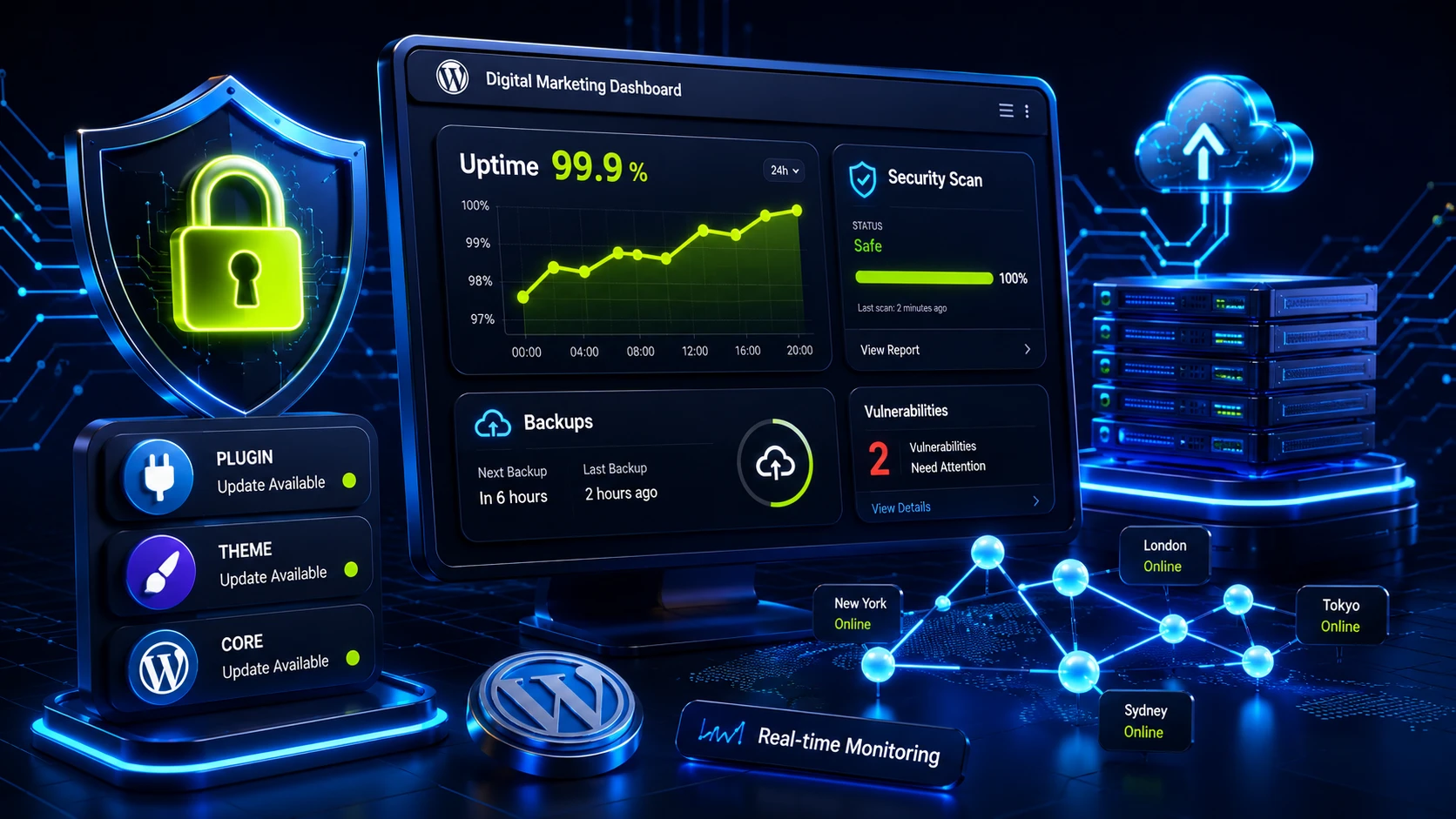
Per market analysis, a full support plan breaks down into five task families: core, plugin, and theme updates; off-site backups with tested restores (a backup you’ve never tried restoring is a backup you can’t actually trust); vulnerability monitoring and response; uptime and speed monitoring; and technical hygiene — broken links, database cleanup, tracking SSL and domain expiration dates.
That last item sounds trivial until a certificate or domain quietly lapses mid-week and the site starts throwing a security warning in every visitor’s browser for a few hours before anyone notices.
The numbers are stark. Per Patchstack’s report, 11,334 new WordPress vulnerabilities were logged in 2025 — up 42% year over year, and 91% of them live in plugins, not core. Every inactive, outdated plugin just sitting on the server “just in case” is an open door, whether you’re actively using it or not.
The speed attackers move at is the real shock: median time from public disclosure to mass exploitation is 5 hours. 70% of vulnerabilities are under active exploitation within a week. A site updated “whenever there’s time” once a quarter lives with the door open far longer than most owners realize.
Cleanup costs typically dwarf the cost of the support itself. Professional malware removal runs $300-800, with deep infections reaching $1,500-3,000+. With current backups, recovery takes 2-4 hours. Without them, 1-2 days of downtime — and it’s the downtime, not the cleanup fee, that actually hurts a business that depends on the site for sales.
Our numbers above sit below the market average, and that’s worth explaining honestly rather than presenting as magic. Per published agency price lists, a basic support package often starts around $250/month, comprehensive from $500, with annual retainers landing near $4,500/year. The gap isn’t in quality of work — it’s in what’s bundled: pricier plans typically include a fixed block of development hours every month (say, 20 hours), whether or not you actually use them.
We price it differently. The basic tier covers exactly what keeps a site secure and stable — updates, backups, monitoring — while development hours for specific changes either sit in the higher tiers or get billed separately when they’re actually needed. For most corporate sites and smaller stores, that works out cheaper than prepaying for an hour block that quietly expires unused each month.
Hourly rates vary by platform: WordPress from $15/hour, Laravel $20-30/hour, Bitrix from $40/hour for one-off tasks. That gap isn’t the vendor being greedy — it reflects how hard it is to find a specialist for that specific stack. WordPress developers are far more plentiful than niche Bitrix specialists.
A freelancer on retainer looks cheaper on paper than an agency, and often is, on the monthly invoice. The risk is the same one that comes with any one-person support arrangement: if that person is sick, on vacation, or simply unreachable for two weeks exactly when the site goes down, there’s no backup. An agency, by definition, has more than one person who knows your project — even if that costs 20-30% more per hour than a freelancer.
We already covered what an online store actually costs to build — and that’s exactly where it’s worth flagging upfront that supporting one costs noticeably more than supporting a similarly sized corporate site. The reason is simple: a few hours of downtime on a corporate site is an inconvenience. The same outage on a store means directly lost orders, and the bill isn’t “mildly annoying,” it’s a specific dollar figure per hour of downtime.
A store built on WooCommerce or any other platform adds payment-integration monitoring (are payments actually going through, did one method quietly break after an update), inventory sync with the accounting system, and checking that shipping calculations stay correct after every major plugin update. None of that is included in a “basic” support tier by default — which is exactly why a store almost always makes more sense on the extended or premium tier from day one, rather than trying to save on the basic one.
Partially, yes. Basic plugin updates through the admin panel, confirming backups are actually being created (not just configured once and forgotten), tracking SSL expiration — all of that is technically within reach for an owner with 2-3 hours a month and the willingness to learn.
The harder part is response, not prevention. When a plugin conflicts with a theme update and breaks the mobile layout, or a security scanner flags suspicious code in the files, DIY troubleshooting without experience usually ends one of two ways: hours lost searching forums for an answer, or worse, a fix that breaks something else. We regularly see exactly these “self-fixed” sites during technical audits — and by then there are two problems to solve instead of one.
One case from our own work makes the point well: a client ran a store for a year with no support plan at all, “because everything was working fine.” The problem didn’t show up right away — a shipping-cost plugin quietly stopped calculating correctly for one region after a routine WordPress update, and for several weeks some customers saw zero shipping cost instead of the real one. Nobody noticed until accounting flagged a discrepancy in the reports — by then the site had given away free shipping worth several times more than a year of the basic support plan the client had been trying to avoid paying for.
| Issue type | Realistic response time |
|---|---|
| Site fully down | 1-4 hours |
| Critical function broken (payments, lead form) | 4-12 hours |
| Visual bug, not sales-critical | 1-3 business days |
| Scheduled update or minor tweak | next regular update cycle |
A contract that lists one blanket “response time” for every issue type is almost always a sign that prioritizing will fall on you — phone calls and reminders — rather than the vendor’s own process. Tiered response times by severity are the opposite signal: a process that’s actually been thought through, not written in for the sake of a proposal.
Before paying for support, it’s worth confirming five things: how often backups are actually tested by restoring them, not just created; who’s responsible if a plugin update breaks the site — the vendor or you again; realistic response time for a critical issue (hours, or “sometime this week”); whether real-time vulnerability monitoring is included, or it’s just a scheduled monthly update pass; and what happens if you switch vendors later — do you get full access and documentation, or start from zero.
If any of those answers feels vague upfront, that’s worth noticing before signing anything.
A sixth question vendors rarely bring up themselves: whether a test restore from backup happens at least once a quarter, not just backup creation. A backup that’s never been restored is a theoretical guarantee, not a practical one — a corrupted or incomplete backup file shows up exactly when you urgently need it, not earlier when there was still time to fix it calmly.
The biggest payoff from regular support isn’t visible in the expensive incidents it prevents — those, by definition, nobody sees. It shows up in accumulated technical cleanliness instead.
A site that gets updated and cleaned regularly loads faster, lags less on mobile, and throws fewer strange errors at checkout — and speed and stability feed directly into both conversion and search rankings.
We covered how site speed and technical cleanliness affect Google rankings in what actually drives search rankings — regular support is the same technical work, just spread out continuously instead of crammed into a pre-launch sprint.
If your site is past its warranty period with no clear support plan in place — tell us what’s currently running on your site, and we’ll match a support tier to its actual state, not sell you the most expensive plan “just in case.”