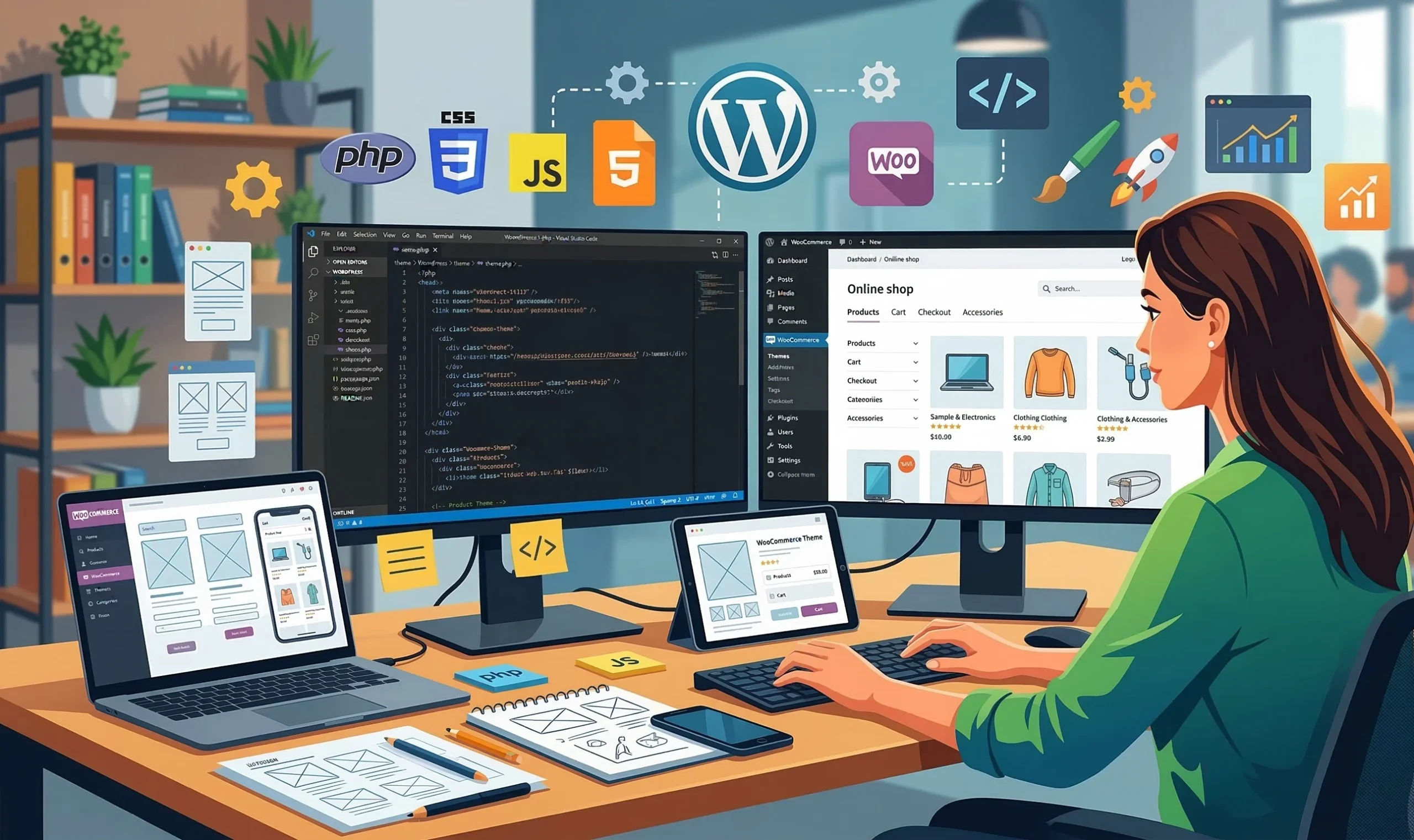
Ten years ago, it was hard to imagine how popular online shopping would become. Today, a brand having no presence online feels almost impossible. The COVID-19 pandemic significantly accelerated businesses moving online and got even the most traditional customers used to shopping over the internet. E-commerce keeps growing, and WordPress is most often the CMS of choice. Why this platform is so popular, and who should consider building their online store on WordPress, is what we cover in this article.
WordPress is a popular platform for building websites and managing content. It was originally built for blogging, but over time became a full-fledged content management system (CMS) with a huge range of features. Today it powers 43% of all websites worldwide: everything from simple landing pages to serious online stores. For example, the official sites of Mercedes-Benz, Reuters, The Walt Disney Company, and Sony Music are all built on WordPress.
A convenient builder with a ready-made system of themes and plugins lets you launch a full site within hours. Despite its flexibility, simplicity, and scalability, WordPress works best for resources with a moderate amount of content: brochure sites, corporate sites, portfolios, and online stores with a catalog of up to 2,000 products.
Building multi-page sites and high-load projects on an off-the-shelf CMS isn’t recommended, especially for online stores with a catalog of several thousand products. The more products and features a store has, the more time is needed to process data and load pages. Competition in e-commerce is fierce, so every extra second of waiting costs you customers.
So building an online store with WordPress has both pros and cons. Let’s look at them in more detail.
We specialize in building and promoting unique commercial websites: developing and populating online stores on various platforms, SEO optimization, SMM, and PPC advertising.
An entrepreneur might run a large offline business while knowing nothing about online sales. That’s exactly the case WooCommerce exists for — a plugin that turns an ordinary WordPress site into a full online store. Testing out a commercial site on WordPress is justified for two reasons: fast launch and low cost. Pick a ready-made design template, set up basic functionality, get your first customers, and get a feel for online sales with WooCommerce.
A WordPress store is an ideal option for business beginners. When you’re just getting started and sales haven’t picked up momentum yet, a WooCommerce site is a great solution. A free theme and the set of plugins needed for safe, convenient online shopping are more than enough at this stage. Once your business meets your expectations online and starts growing steadily, WooCommerce grows right along with you. Add marketing tools, improve your commercial setup, and expand your store as your brand’s popularity grows.
A WooCommerce site is best suited for small and medium-sized online stores. Otherwise, the heavy load on the server slows WordPress down, which inevitably drives up hosting costs. When your catalog has up to 1-2 thousand products, it’s an ideal fit for building your online store on WordPress/WooCommerce.
WordPress paired with WooCommerce lets you launch an online store within hours and start selling as quickly as possible. And with a developer’s help, you’re guaranteed not just a fast result, but a quality one. Setting up a template, building a catalog, CRM integration, connecting payments and a shipping system — all of this is available out of the box, and just needs to be properly configured. WooCommerce is a great solution for anyone who can’t and doesn’t want to wait.
So, we can conclude that building an online store on WordPress/WooCommerce is worth considering for beginner entrepreneurs or companies on a limited budget who want a modern, appealing site capable of bringing in new customers quickly.
WooCommerce is a powerful, free e-commerce tool for WordPress websites that covers the basic needs of online selling. Like most software solutions, the plugin has premium extensions that let you configure the most convenient, effective, and profitable online store possible.
To get a site ready for launch, WooCommerce’s free features are more than enough:
Before deciding whether you need a WP online storefront or not, it’s worth getting familiar with its pros and cons. We’ll share our own experience so your decision is informed and free of unpleasant surprises for your business. Among the upsides of building an online store on WordPress, we’d highlight the following.
Almost every other website on the internet is built on WordPress. Compared to other content management systems, that popularity is an advantage in itself. Among the hundreds of billions of online stores out there, yours will soon join them — and most likely, it’ll be thanks to WordPress.
It’s not just about how widely the software is used, but what stands behind that: the ability to build a genuinely modern, high-quality product. According to the analytics firm SimilarTech, of the top 1 million websites, nearly a third are built on WordPress.
A huge amount of information is already online and accessible to everyone. It’s enough to type almost any WordPress question into a search engine to find an answer within seconds. That kind of online help is useful not just for developers, but for administrators who’ve decided to maintain their online store themselves.
Building an online store on WordPress from scratch can take anywhere from a few weeks to a few months. What’s more: WordPress lets you build an online store with a simple design, basic functionality, and a small product range in just a few hours. That speed is possible thanks to ready-made themes and plugins that significantly streamline the work. At the same time, building an online store with a unique design, complex features, system integrations, and a large product catalog can take more than a month. It all depends on the project’s complexity and the team’s experience.
Ease of setup saves significant time, and correspondingly, cost. Especially since the WordPress engine itself, like most themes and plugins, is completely free. The only things you’ll definitely need to pay for are hosting (renting server space) and a domain name (your site’s address). So if you’ve decided to build a simple online store, the first steps are downloading the installer, setting it up on hosting, registering a domain, and starting configuration. If you don’t have the time or experience for that, you’ll need to budget for at least one full-stack WordPress developer’s services.
We’ll cover the cost of paid tools and services shortly.
A site’s design is the single most important factor determining the fate of any online project, especially a commercial one. That’s why having access to many affordable design templates is an undeniable WordPress advantage.
The most attractive and functional website themes are paid. A ready-made premium template saves time and budget compared to designing something unique from scratch, and partially sets your site apart from competitors unwilling to pay for a theme. If you want, any WordPress theme you like can be further customized — for example, adding extra blocks or pages.
That said, a commercial site built from scratch with a designer and developer, with carefully planned and custom-built functionality, has clear advantages over a builder like Elementor.
Custom design work: $10-$20 per hour depending on the designer’s skill level and experience
Design has a big impact on development, since it results in a site with clean markup and clean code, free of unnecessary scripts, links, and other clutter. Thanks to this, WooCommerce projects turn out not just distinctive, but efficient and fast, even on mobile.
Plugins are additional WordPress tools that solve specific tasks and make the site easier to use for both the administrator and the customer. Plugins help configure an online store: protecting it from hacking and spam, importing and filtering products, viewing and improving sales stats, and more.
The WordPress directory has over 60,000 free plugins that can cover the basic needs of a full online store. But every free plugin may have a premium version with expanded functionality. For example, a payment plugin might let you accept payments securely, but its free version may lack a callback feature that automatically notifies the store of a payment’s status (success, decline, or refund). Without it, you’d have to check payment results manually.
Sites built on WordPress can be highly attractive to search engines. Many ready-made SEO optimization tools let you effectively promote an online store, in particular improving your Google rankings and increasing site traffic.
As for professional promotion, WordPress responds well to advanced SEO strategies. We’ve confirmed this firsthand and have a portfolio of results from years of SEO work on WordPress online stores across a wide variety of niches.
Contrary to stereotypes, WordPress online stores are easy to promote in search engines. Skilled developers implement the latest SEO tools needed for modern technical and on-page optimization.
A CMS like WordPress is a perfect fit for running a small business and covers all the necessary needs through its functionality.
If an online store on WordPress is built from scratch without page builders like Elementor, the site’s speed stays at a high level. Careful development accounts for many factors important to Google and mobile speed:
Custom-built layouts achieve high performance even on mobile, which significantly affects an online store’s search engine rankings.
WordPress, the world’s most popular platform, has built up a huge community of developers around it. That makes sense — high demand for an easy-to-manage CMS creates a large pool of WordPress developers, so the job market offers a truly massive selection of qualified full-stack professionals!
In turn, the large community of WordPress developers that’s formed around this simple, convenient platform affects the cost of building an online store. Compared to building a commercial site on Laravel, a WordPress-based online store costs far less.
Full-stack developer services: $10-$25 per hour depending on the developer’s skill level and experience
A ready-made WordPress commerce site is fairly low-maintenance. Thanks to a convenient admin dashboard, it’s easy to track sales stats and visitor behavior, process orders, and manage your product range — including updating prices and keeping stock and availability current.
For this, it helps to have at least a bit of experience with the CMS, or basic knowledge, which can be picked up quickly if you want. On our end, after every site launch, we walk clients through a detailed overview of the WP dashboard and explain how to properly use all the available tools to effectively manage their online store.
Overall, the WordPress engine is intuitive, so it’s not strictly necessary to hire developers for technical support on a small online store. It’s enough to assign management to a dedicated staff member or hire an experienced administrator, and reach out to professionals when technical issues come up. That said, the ideal setup for large online stores is “WordPress plus at least one part-time developer,” so even the smallest issue gets resolved quickly, with minimal impact on sales.
The huge amount of freely available information makes it possible to build an online store on WordPress yourself. Find the right guide in video or text form, repeat a certain set of steps, and get a working site you built with your own hands.
Setting up an online store yourself doesn’t guarantee a polished, unique result, but it does let you save significantly on development costs. Just not on time. While a professional can launch a simple commercial site on WP in a few hours, beginners without experience will need to spend more than a day or a week on it through trial and error.
And while you can launch a simple online store on WordPress yourself, fully building one out with all the important details in mind takes an experienced development team. That’s exactly why many clients come to us with homemade sites and a request to refine and improve the product.
No product is perfect, so let’s be honest about the CMS’s weak points, which you might run into when setting up your online store.
The software’s huge popularity and openness attracts not just entrepreneurs, but hackers looking for security vulnerabilities in websites. Plenty of useful plugins exist to protect against hacking, data leaks, and cyberattacks.
However, installing plugins is additional protection, not a guarantee of complete site security. What’s more, even plugins themselves can have security gaps, which cybercriminals successfully exploit. You should take your WordPress site’s security seriously starting from the development stage itself.
To maximize protection for your online store:
Or leave your WordPress store’s security to professionals. The Netloria team handles fine-tuned theme configuration, careful tool selection, and regular vulnerability checks tailored to your needs and budget. Or we can quickly restore normal operation for an online store that’s suffered a hacking attack.
A large number of products and plugins, an unoptimized template, and unoptimized content can lead to slow site load times. That can cost you not just potential customers who aren’t used to waiting, but also your site’s rankings in Google search results.
As a reminder, WordPress becomes an ideal technical solution when your product range is modest, with each product as its own page on the site. The optimal number of products for an online store on WordPress to run effectively is up to 2,000 — the larger your catalog, the longer pages take to load. Users won’t wait more than 2 seconds, and will visit a competitor’s faster site instead.
You can speed up page load times through site caching, removing unnecessary plugins, and optimizing heavy images. Achieving maximum performance for your online store really requires a professional developer, who can improve the code, set up preloading, reduce the number of server requests, and use other speed-boosting methods.
WordPress is a fully-built platform with plenty of e-commerce capabilities. But for specific projects, the standard out-of-the-box features are sometimes not enough. Additional plugins expand a store’s functionality, but they can slow the site down and sometimes cause conflicts due to incompatibility.
If plugins can’t fully meet your needs, you’ll need help from a developer skilled in HTML, CSS, and PHP. With code, you can change a template theme and customize your online store’s admin panel for your audience.
If a WordPress site needs significant custom code work, it may make more sense to invest in building an online store on Laravel — a powerful, fast framework.
An oversaturated job market inevitably means a higher chance of running into a junior or amateur developer who can’t handle the job and only leaves you disappointed. Developers like that discredit e-commerce development on WP as a promising, genuinely worthwhile direction.
Get a professional consultation and a preliminary estimate for your future project.
There’s no question that the WooCommerce plugin is one of the best commercial solutions available today. But like any technology, it has its pros and cons that can affect your choice of CMS for building an online store.
Building an online store involves general costs that depend on developer and designer labor.
As mentioned, using the WordPress platform is completely free. Same goes for the WooCommerce plugin. You can choose one of three free themes for your project, use the built-in basic features, and add extra plugins as needed — dozens of which are compatible with WooCommerce and available to download for free.
Depending on your preferences, needs, and budget, you might consider buying a theme and additional plugins. But while extra spending on premium WooCommerce products is optional, registering a domain, buying hosting, and getting an SSL certificate are mandatory for any online store to exist.
A domain name for an online store can cost anywhere from a few dollars a year to the tens of millions of dollars paid for premium domains in extreme cases (like hotels.com). Let’s leave premium domains to the wealthy and look at hosting prices instead.
The cost of hosting your site on a server can range from $50 (standard shared hosting) to $145 and up (VPS hosting, or a virtual private server). The main difference is that standard shared hosting and its resources (disk space, RAM, etc.) are shared across many sites, which affects your online store’s performance. VPS hosting gives you an isolated, dedicated server, which means more room for configuration, control, and optimization.
There’s also business hosting starting around $260 — a dedicated server with an exclusive set of benefits. Unlike VPS, it doesn’t require self-administration or hiring a specialist. Business hosting is just as simple to use as standard shared hosting.
A virtual private server suits medium and large online stores. For the simplest online store with a small product range, a basic shared hosting plan is more than enough. Providers often offer “domain + hosting” bundle deals, and sometimes throw in an SSL certificate as part of the plan too.
For your online store to guarantee customers a secure connection (read: protecting their personal data), make sure to get an SSL certificate. While you can install one completely free, we should warn you upfront that this isn’t a good option for sites planning to accept online payments. First, you’ll lose the trust of both customers and search engines, which will flag your site as insecure. Second, non-commercial certificate authorities use SNI technology, which most payment systems don’t support. And third, those authorities take no responsibility if the certificate is compromised and data leaks.
Buying an SSL certificate confirms your ownership of the domain, your commercial activity, and your handling of personal data. The cost of an SSL certificate ranges from $18 to $173 a year or more, depending on the type of site verification: a simple domain check via email, organization verification through a business registry, or extended verification for legal entities.
After purchase, the certificate needs to be activated and installed on the site. You can do this yourself through your hosting control panel, or reach out to your hosting provider.
So, setting up the cheapest possible online store on WordPress with a free theme and WooCommerce’s basic features can cost as little as $74 a year:
| Component | Cost |
|---|---|
| Domain | Standard zone: from $11/year (.com, .net) Niche zone: from $14/year (.company, .art) |
| Hosting | from $50/year (standard shared hosting) from $145/year (VPS hosting) from $260/year (business hosting) |
| SSL Certificate | from $18/year (domain verification) from $68/year (organization verification) from $173/year (extended verification) |
If none of WooCommerce’s 3 free themes match your taste, brand style, or business needs, you’ll need to increase your budget and buy a premium theme. Understandably, the paid segment offers a wider selection — WooCommerce provides over 70 official premium templates. They come with vibrant, responsive designs and bundles of advanced options in the form of plugins whose cost is already included in the theme price.
So when choosing a template, weigh both design effectiveness and functionality, since changing the theme on a live online store later isn’t easy. Premium themes are available for online stores across a wide variety of niches and cost between $39 and $129 (with monthly payment options ranging from roughly $3.25 to $10.75/month respectively).
Usually, premium WooCommerce themes already include a set of advanced plugins. But when those aren’t enough, you can always install additional ones: multi-currency support, new payment methods, tiered shipping rate calculation, shipment tracking, installment payments, wholesale trading, and more. The main thing is that they’re compatible with your WooCommerce theme and existing set of features. Premium plugin costs can range from a few dollars to a few hundred dollars a year.
WooCommerce’s popularity has created a flexible market that offers fairly affordable prices for developer and designer services. The more you want from your future online store, the higher the price will be:
The cost of an online store will also depend on the WordPress developer’s level (junior, mid-level, or senior).
| Service | Cost |
|---|---|
| Custom design work | $10-$20/hour |
| Full-stack developer | $10-$25/hour |
| Project manager | $10-$25/hour |
If you’re not willing to take risks, we recommend getting more value and reaching out to a web studio with its own in-house designers, developers, content creators, and SEO specialists. The team’s composition alone hints at what your future online store could look like:
Ordering a turnkey online store won’t come cheap: a product built by an entire professional team starts at $1,000. Either way, working with a web studio will be the most efficient, well-organized, and legally protected option for you.
Before ordering an online store build, assess the company’s level. The cobbler should have shoes of their own — so pay attention to the quality of the web studio’s own corporate site and its most important section: a portfolio of completed work.
The sequence can vary between developers and companies, so here’s our own process, tested over years of working with online store clients on WordPress.
Bottom line: Building an online store on WordPress/WooCommerce is an affordable, effective solution for small and medium businesses. The platform offers a balance of cost, functionality, and speed to launch, making it an ideal choice for entrepreneurs just starting out in online sales or testing a new business direction.
Обговорюємо саме цю послугу у вашому проєкті?
Online Store