⚡ Quick answer: A chatbot is a program that talks to people in a messaging app or on a website in place of a live agent: it answers questions, takes orders, books appointments and sends payment reminders. There are two main types: button-based bots, which follow a pre-written script, and AI bots, which use artificial intelligence to understand free-form messages. In Ukraine, people deal with bots every day, from banking assistants to utility company bots in Viber and Telegram, so chatting with a bot already feels perfectly normal to most customers.
People hear the word “bot” all the time: “message the bot”, “the bot will send you a code”, “we’ve launched a chatbot”. But what’s actually behind it, how one bot differs from another, and whether your business needs one at all rarely gets explained. In this article, we’ll break down in plain language what a bot and a chatbot are, how they work, where they’re used, and when a bot genuinely saves time and money versus when it just annoys customers.
A bot (short for robot) is a program that automatically performs certain tasks in place of a person. There are all kinds of bots: Google’s search crawlers that scan websites, programs that publish news automatically, bots in video games.
A chatbot is a specific kind of bot that “talks”: it receives messages from a person and replies in a chat. That’s usually what people mean when they say “message the bot”. Chatbots live wherever people send messages:
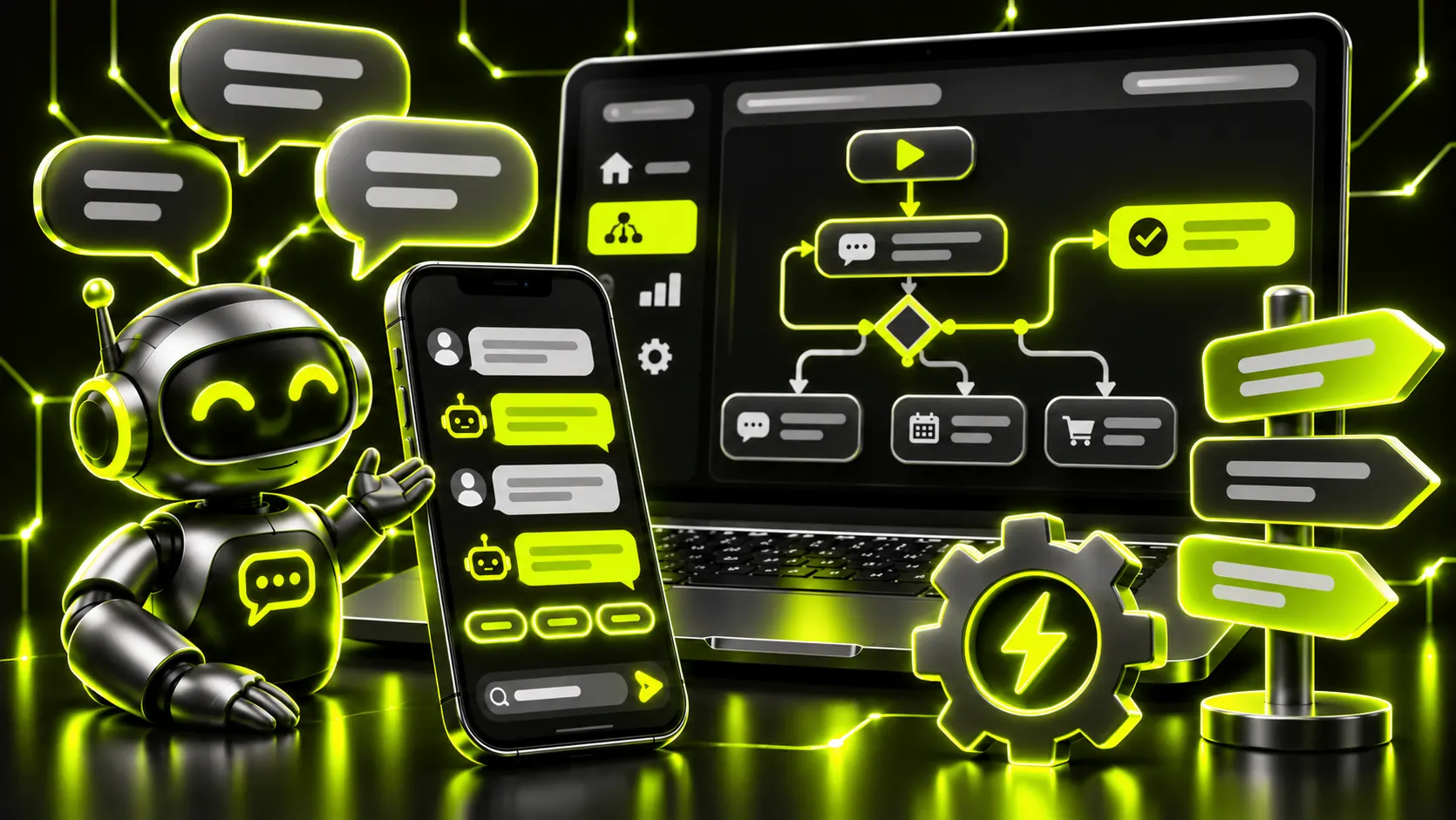
These follow a fixed, pre-written script. Instead of typing, the user taps buttons: “Catalog” → “Women’s clothing” → “Dresses” → “Order”. The bot doesn’t “understand” the person; it simply guides them along a pre-set path.
Pros: predictable, simple, inexpensive, and there’s no risk of a “weird” answer. Cons: if someone’s question doesn’t fit the buttons, the bot is stuck.
These understand free-form messages like “Do you have the same dress in blue, one size up?” An AI bot works out what the question means, looks for the answer in your knowledge base (price list, delivery terms, product descriptions) and replies in natural language.
Pros: natural conversation, answers to non-standard questions, fewer dead ends. Cons: more expensive to build, and they need a solid knowledge base and oversight so the bot doesn’t make things up.
These combine both approaches: buttons for routine actions (orders, bookings, delivery status) and AI for open-ended questions. For most businesses, this is the best option.
| Type | How it works | Best for | Setup complexity |
|---|---|---|---|
| Button-based | Scripted flow with buttons | Orders, bookings, FAQs, broadcasts | Low |
| AI bot | Understands free-form text | Consultations, product recommendations, support | Medium to high |
| Hybrid | Buttons + AI | Most businesses with a steady flow of inquiries | Medium |
In simple terms, every chatbot goes through four steps:
The most important part of this chain is integrations. A bot that can only “talk” but can’t see stock levels, open slots in the schedule or order status quickly becomes useless. The real value comes when the bot is connected to the systems your business already uses.
Telegram is especially relevant for Ukrainian businesses. We covered how to launch a bot there in detail in “Telegram bots for business: why you need one and how to get started”.
A bot’s main value is response speed. A customer who writes in the evening or on a weekend and gets no reply will often just go to a competitor. A bot replies instantly, 24/7. We’ve looked at how AI responds to customers faster than a manager and why that affects sales.
Other benefits:
A bot isn’t a must-have for every modern business. It’s more likely to hurt than help if:
The rule is simple: a bot should remove obstacles between the customer and the purchase, not create new ones.
Answer these five questions:
If you answered “yes” to three or more, a bot will most likely pay for itself.
We’ve broken down how much it costs to build bots of different levels, from a simple button bot to an AI consultant integrated with your CRM, in “How much does an AI consultant or chatbot for business cost”. For a general overview of what bots can do in Instagram, Telegram and Viber, see “AI consultants for business”.
If you want a bot that actually takes orders and answers customers 24/7, the Netloria team builds AI consultants for Instagram and messaging apps tailored to your processes.
A bot is any program that automatically performs tasks in place of a person, such as Google’s search crawler or a bot that publishes posts automatically. A chatbot is a type of bot that talks to people in a chat: in a messaging app, on social media or on a website.
No. A bot is good at handling routine, repetitive questions and simple actions like orders, bookings and delivery status. Complex consultations, negotiations and conflicts should be handled by a person, which is why a bot always needs a way to hand the conversation over to a manager.
It depends on the task. For taking orders and bookings, a button-based bot is enough: it’s cheaper and more predictable. For consultations and product recommendations, an AI bot is the better choice. Most businesses are best served by a hybrid: buttons for routine actions and AI for open-ended questions.
Wherever your customers already message you. Check where most of your inquiries came from over the past month and start with that channel. You can connect the bot to other messaging apps later.
A bad bot does: one that doesn’t understand questions, sends people around in circles and won’t let them reach a human. A bot that quickly solves routine tasks and honestly passes complex questions to a manager actually improves the customer experience.
A simple button-based bot for FAQs or orders can be launched in 1–2 weeks. A bot with AI, a knowledge base and CRM integration usually takes 3–6 weeks, including testing on real conversations.
Обговорюємо саме цю послугу у вашому проєкті?
AI Consultant for Instagram & Messengers