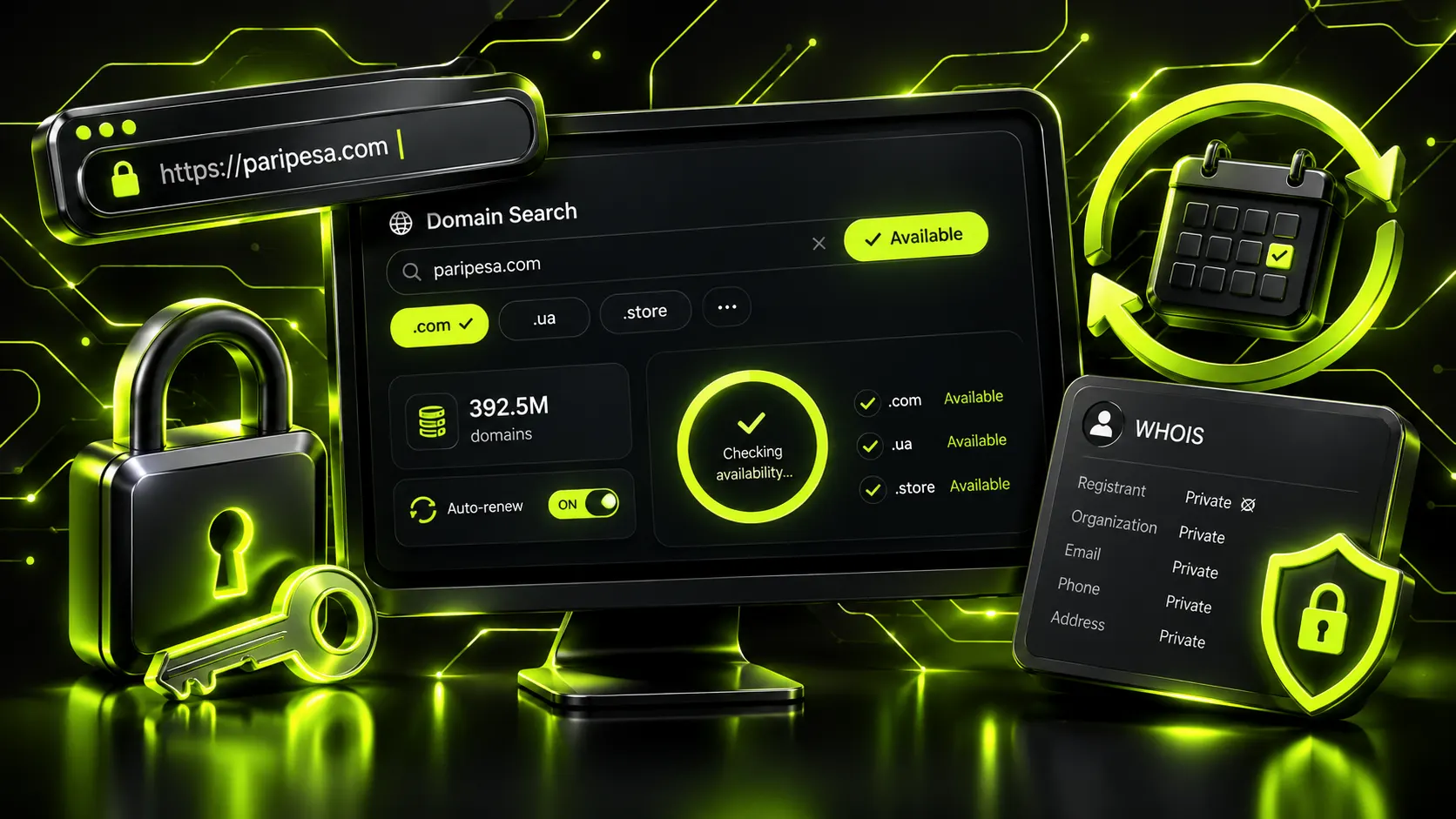
Right after we finished the piece on choosing web hosting, one question kept landing in our inbox: and how do I pick the domain? It makes sense — these are two purchases people make side by side, often on the same day, and they are confused for each other more than almost anything else at launch. The difference is simple. Hosting is the place where your site’s files live; the domain is the address people type into a browser and see in search. You can swap hosting in an evening and no visitor will notice. A domain is not swapped so lightly: businesses hold on to it for years, print it on cards, and pour reputation and inbound links into it. So a mistake with a domain costs more, and it hurts more to undo.
Take the address netloria.com. The part to the right of the dot — com — is the top-level domain, or the zone (TLD). The part to the left — netloria — is what you invent and register yourself, the second level. Together they form a unique address that nobody else on the planet has. Zones come in a few flavours: generic ones (.com, .net, .org, .shop), country-code ones (.ua, .de, .co.uk), and newer thematic ones (.tech, .agency, .store), of which hundreds have appeared over the past decade. The scale is not abstract: by the first quarter of 2026 the world held 392.5 million registered domains — 6.5% more than a year earlier. In plain terms: good short names get taken every single day, and the longer you deliberate, the fewer are left.
The main criterion sounds almost primitive: the name should be easy to say over the phone so a person types it correctly on the first try. Obvious — right up until you count how many businesses own a domain nobody can pronounce out loud. Domain-market researchers publish numbers worth keeping in mind. The domains of the world’s hundred largest sites average just 6.2 characters; every extra character past the seventh costs roughly 2% of traffic; and “.com” alone is 33% more memorable than other zones. The sweet spot is six to fourteen characters. Technically a domain can stretch to 253 characters, but that is a curiosity, not a real option for a business.
Those numbers turn into a handful of very practical rules.
One question surfaces almost every time: should you take an invented brand name or stuff a keyword into the domain — something like “cheap-shoes” or “kyiv-plumbing”? Plenty of people still believe such a keyword in the address lifts the site in search on its own. That is a myth from the two-thousands. Search has long judged the content and reputation of a page, not a mechanical word match in the address itself. A brand name wins over the long run for several reasons at once: you can scale it onto new services, it is easier to build recognition around, and it does not chain you to one city or one product forever. In our practice, clients who started on a “keyword” domain came around to renaming within two or three years anyway — the business simply outgrew that one word while the domain stayed narrow.
There is no universally correct answer here — it all depends on who the business serves.
| Zone | Fits | Strength | Weakness |
|---|---|---|---|
| .com | businesses aiming worldwide or at international clients | maximum trust and recognition | a good short name is nearly impossible to find free |
| country-code (.ua, .de, .co.uk) | companies serving one national market | a strong “we’re local” signal, protected zone | some require a local presence or trademark, cost more |
| secondary local (.com.ua, .co) | local business without a registered trademark | easy to register, still a local signal | longer address, less prestige than the pure country code |
| new (.store, .agency, .tech) | when the name you want is taken in .com | short free name, on-theme | less trust, a higher share of fraudulent registrations |
Before you tick a box next to any zone, a few things are worth knowing.
First, on SEO. Google states plainly on its developer blog that it treats new zones the same as the familiar .com or .org, and a keyword in the zone gives neither an advantage nor a penalty in ranking. So “.store” will not lift a shop in results by itself — the content decides. There is one exception: country-code zones tell search the site targets a specific country, and that genuinely affects local results. If you are planning a multilingual site across several countries, that nuance is better worked out before launch than after.
Second, on trust and safety. New zones are cheap, which is exactly why they get bought up in bulk for phishing and spam — their reputation is statistically worse, and mail filters account for it, dropping messages from such domains into spam more readily. For us at Netloria that is a recurring argument for a proven zone whenever client emails and payments are at stake. The same brand on .com or a country code reads differently in the “from” field than it does on some exotic zone bought for a dollar.
The most expensive mistake here isn’t the name at all. It’s the domain being registered to someone other than you.
The pattern is textbook: a contractor or host registers the domain “to make it convenient for you,” and formally they become the owner, not you. While the relationship is good, the difference is invisible. It shows up on the exact day you want to move to another contractor or fall out with the host: the domain you poured years of work and ad budget into stays with them, and clawing it back can be harder than registering a fresh one. The rule is short — the domain is registered to you or your company, you hold direct access to the registrar account, and the domain’s contact email is yours too, not the agency’s. At Netloria we always register the domain in the client’s name, even on full turnkey builds, because it is their asset, not our leverage.
One more detail — contact privacy. By default the owner’s data lands in the public WHOIS database, and spam starts flying at it immediately, sometimes with scam “renew your domain now” calls. Most registrars offer free or cheap privacy protection that hides your phone and email. Turn it on straight away. And the broader legal fine print — whose personal data you collect and where it is stored — we covered separately, in the piece on what a website legally needs.
A domain is a rental, not a purchase forever. You pay for the right to use it for a year or a few, and at the end of the term it has to be renewed, or it goes back on the market.
The safest approach is to switch on auto-renew and keep a valid card and a live, monitored email on the registrar account. A domain that lapses first sits in a grace period, then heads to auction — and it is snapped up instantly by the people who make a living on other folks’ inattention. A nastier scenario is when access to the registrar account is stolen along with the mailbox: the domain is quietly rewritten to another owner, and that is no longer a one-minute password reset but weeks of correspondence with support, proving the address is yours. If it ever comes to that, we laid out the steps in the article on what to do when your site is hacked. Protect the registrar account with two-factor authentication as seriously as a banking app — by value to the business, it is right next to one.
Picking a domain looks like a trifle right up until you hit a taken name, a local requirement for a country code, or the question of whose name it goes under. It is usually not the task you want to spend a week on before launch. Netloria is a web studio based in Ukraine, and when we build a turnkey corporate website, the domain, hosting, and email are part of the job: we find a free name, register it to the client, and set up renewal and protection so nothing gets lost at the worst possible moment. If you would rather just get a finished result and not wrestle with zones and WHOIS yourself — write to us, and we will suggest the best option for your market and budget.